 JobSniper
Best Upwork Alerts Alternative (2025): Faster, Smarter Job Notifications
Table of Contents
Best Upwork Alerts Alternative in 2025: Get Better Job Notifications
Missing great gigs because Upwork’s alerts are slow, generic, or… just not working? You’re not alone. Freelancers are moving to tools that deliver faster, smarter, relevant alerts—without the noise.
This guide shows you the best Upwork alerts alternative for 2025, why it works better, and how to set it up in minutes.
JobSniper is an AI-powered Upwork alerts alternative that sends sub‑minute, filtered job notifications to serious freelancers.
Key takeaways:
- JobSniper is an AI‑powered Upwork alerts alternative that sends sub‑minute job notifications.
- You can filter by client quality, budget, location, and competition in ways Upwork’s built‑in alerts can’t.
- Serious Upwork freelancers use JobSniper to see better jobs first and send higher‑quality proposals.
TL;DR: If you want alerts within 30 seconds, client quality filters, and AI‑powered matching, try JobSniper.
The Problem with Upwork’s Built‑In Alerts
Before we dive into alternatives, let’s be honest about Upwork’s default alerts: they’re built for volume, not precision.
1) Generic matching with little intelligence
Upwork leans heavily on past applications—not your current skills, goals, or rate targets. So you get notified about work you don’t actually want.
2) No client quality filtering
Low ratings, low budgets, no hire history—there’s no way to filter these out in the native alerts.
3) Slow notification speed
By the time alerts arrive, the best jobs already have 20–50 proposals. You start behind.
4) Limited customization
Want to filter by location, duration, keywords, or competition level? You can’t—at least not natively.
5) Freelancer Plus required
Instant alerts require Freelancer Plus at $19.99/mo—basic notifications that still miss the mark.
Even freelancers who pay for instant alerts report inconsistent behavior, like in this thread about the Upwork instant alert feature, where alerts only start after sending several proposals and then remain low-volume.
What Makes a Great Upwork Alerts Alternative?
The best alternative to Upwork alerts should offer:
- AI‑powered job matching that understands your profile
- Lightning‑fast notifications (within 30 seconds)
- Advanced filters for client quality, budget, location, competition
- Flexible delivery (email, Slack, Discord, push)
- Better value than Freelancer Plus
- Reliable, real‑time monitoring of job posts
The #1 Upwork Alerts Alternative: JobSniper
After testing multiple solutions, JobSniper stands out for serious freelancers. Here’s why:
⚡ Lightning‑fast notifications
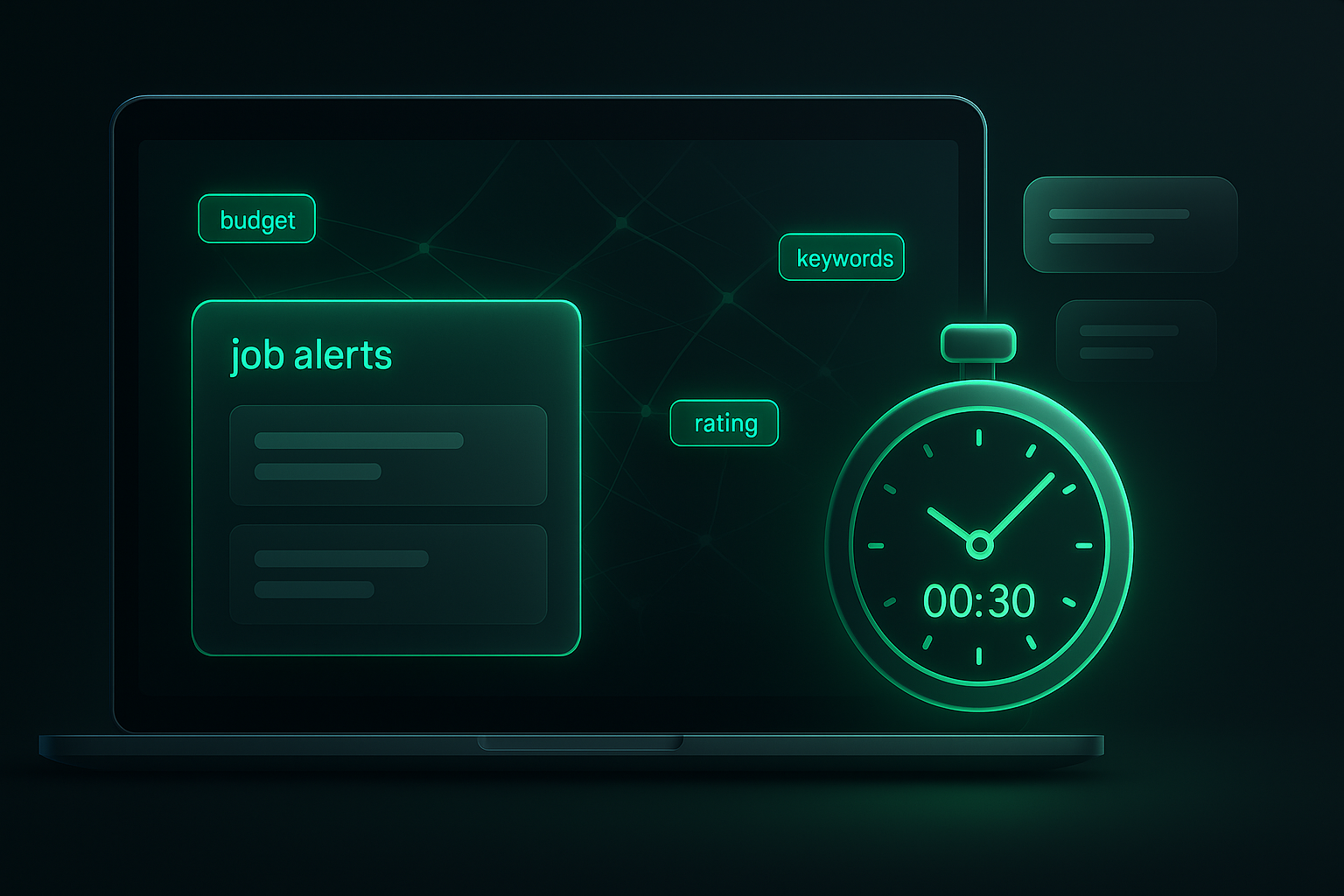
JobSniper delivers alerts within 30 seconds of posting. While others wait, you’re already reviewing—and applying.
🤖 AI‑powered smart matching
Unlike basic keyword matching, JobSniper uses AI to analyze:
- Your actual skills and experience
- Project descriptions and requirements
- Client history and quality indicators
- Budget alignment with your rates
Each job gets a match score so you instantly know why it’s a fit.
🎯 Advanced filtering
Filter jobs by:
- Client Quality: Rating, hire rate, spending history
- Project Details: Budget range, duration, complexity
- Location: Specific countries or regions
- Keywords: Include or exclude specific terms
- Competition: Number of proposals already submitted
💰 Better value than Freelancer Plus
- JobSniper: Starting at $9/mo with free trial
- Upwork Freelancer Plus: $19.99/mo
- Savings: $120+/year with better features
Some freelancers also question whether paying for instant alerts is worth it at all, calling the feature buggy or overpriced in threads like “Pay for instant alerts”.
📱 Multiple notification channels
Get notified via:
- Email with detailed job information
- Browser push notifications
- Slack integration for teams
- Discord for community management
- Telegram for mobile-first users
🎛️ Complete control
- Pause alerts during busy periods
- Set quiet hours for work-life balance
- Adjust filters on the fly
- Save multiple alert profiles for different skill sets
How JobSniper Compares to Other Alternatives
Before you pick a tool, think about what you actually need: raw speed, deep filtering, or just a simple feed of everything.
| Feature | JobSniper | Upwork Alerts | Generic RSS Tools | Other Paid Tools |
|---|---|---|---|---|
| Speed | 30 seconds | 3-10 minutes | 15+ minutes | 5-15 minutes |
| AI Matching | ✅ Advanced | ❌ Basic | ❌ None | ⚠️ Limited |
| Client Filtering | ✅ 15+ filters | ❌ None | ❌ None | ⚠️ Basic |
| Price | $9/month | $19.99/month | Free (limited) | $15-25/month |
| Customization | ✅ Full control | ❌ Limited | ❌ Basic | ⚠️ Moderate |
| Best for | Full‑time Upwork freelancers who want speed + quality | Casual users who don’t need advanced filters | Tinkerers who just want a basic feed | Agencies and power users with complex setups |
| Support | ✅ Dedicated | ❌ General | ❌ None | ⚠️ Varies |
If your income depends on Upwork, JobSniper is usually the best fit. If you’re just testing the waters, Upwork’s built‑in alerts or a basic RSS setup may be enough.
If you’re currently struggling with delayed or broken notifications, read: Upwork Instant Alerts Not Working? 9 Fixes + The Faster Alternative.
Real Results from JobSniper Users
“I was spending 2-3 hours daily scrolling through Upwork looking for decent projects. With JobSniper, I get 5-8 high-quality matches delivered to my inbox every day. I’ve increased my income by 40% just by applying to better jobs faster.”
- Sarah M., Web Developer
“The AI matching is incredible. It filters out all the $5 logo design requests and only shows me serious clients with realistic budgets. I haven’t missed a good opportunity since switching.”
- Marcus T., Content Writer
Step‑by‑Step: Set Up Your Upwork Alerts Alternative
1) Sign up for JobSniper
- Visit JobSniper.co
- Start with the free trial (no credit card required)
- Complete the quick onboarding process
2) Configure your profile
- Add your skills and experience level
- Set your preferred budget ranges
- Specify client quality requirements
- Choose project types you want to work on
3) Set up smart filters
- Enable client quality filters (minimum rating, hire rate)
- Set geographic preferences if needed
- Add keyword filters for your niche
- Exclude common red-flag terms
4) Choose notification methods
- Email for detailed job information
- Browser notifications for instant alerts
- Integrate with Slack or Discord if you use them
- Set quiet hours to avoid after-hours notifications
5) Test and optimize
- Monitor your first week of alerts
- Adjust filters based on job quality
- Fine-tune match preferences
- Track your application success rate
Pro Tips: Get the Most from Your Alerts
1) Use multiple notification channels
Set up both email and browser notifications. Email for detailed reviews, browser alerts for immediate action on hot opportunities.
2) Create different alert profiles
If you offer multiple services, create separate alert profiles with different filters for each skill set.
3) Monitor competition levels
Pay attention to jobs with fewer than 10 proposals. These are your best chances for landing high-paying gigs.
4) Set realistic budget filters
Don’t just filter for high budgets. Sometimes mid-range projects from great clients lead to long-term relationships.
5) Review and adjust weekly
Spend 10 minutes each week reviewing your alert performance and adjusting filters based on the jobs you’re actually getting.
Common Concerns About Switching from Upwork Alerts
“Will I miss jobs if I don’t use Upwork’s official alerts?”
Actually, the opposite is true. Independent alert systems like JobSniper often catch jobs faster than Upwork’s own system, giving you a competitive advantage.
“Is it worth paying when Upwork has free search?”
Consider this: if better alerts help you land even one additional project per month, the tool pays for itself many times over. Most freelancers see ROI within the first week.
“What if Upwork changes their system and breaks third‑party tools?”
Legitimate services like JobSniper use official APIs and public data, making them resilient to changes. Plus, they adapt quickly when platforms update.
The Future of Freelance Job Discovery
The freelance market is becoming increasingly competitive. In 2025, success isn’t just about having great skills—it’s about finding opportunities faster than your competition.
Smart freelancers are already using AI-powered tools to:
- Apply within minutes of job posting
- Focus on quality clients instead of bottom-feeders
- Save 10+ hours per week on job hunting
- Increase their hourly rates by being more selective
Conclusion: Make the Switch Today
If you’re serious about your freelance career, relying on Upwork’s basic alert system is holding you back. The best freelancers in 2025 are using intelligent alternatives that give them a competitive edge.
JobSniper offers everything Upwork alerts should be: fast, smart, customizable, and affordable. With a free trial and no long‑term commitment, there’s no risk in testing it out.
Ready to stop missing opportunities? Start your free JobSniper trial today and see the difference in 24 hours.
Also read: Upwork Instant Alerts Not Working? 9 Fixes + The Faster Alternative
Related reading
- Upwork Instant Alerts Not Working? 9 Fixes + The Faster Alternative
- 5 Reasons Freelancers Lose Upwork Jobs (And How to Avoid Them)
Want to stay updated on the latest freelancing tools and strategies? Subscribe to our newsletter for weekly tips on growing your freelance business.
Frequently Asked Questions
How fast are JobSniper alerts compared to Upwork?
JobSniper alerts are much faster than Upwork’s built-in alerts. JobSniper delivers alerts within 30 seconds of a job posting, while Upwork’s system typically takes 3-10 minutes. This speed advantage often means the difference between being in the first 5 applicants versus the 50th.
Can I use JobSniper alongside Upwork’s alerts?
Yes, you can safely use JobSniper alongside Upwork’s alerts. Many users run both systems initially, then gradually rely more on JobSniper as they see better results. There’s no conflict between the two.
What happens if I don’t like the service?
If you don’t like the service, you can simply stop after the free trial. JobSniper offers a free trial with no credit card required. If you decide it’s not for you, simply don’t subscribe. No hassle, no hidden fees.
Does JobSniper work for all types of freelance work?
Yes, JobSniper works across all major freelance categories on Upwork. It supports writing, design, development, marketing, consulting, and more, and the AI adapts to your specific skills and preferences.
How do I know if the alerts are actually better?
You’ll know the alerts are better by the speed and quality of jobs you see. Most users notice improved job quality and application success rate within the first week. The detailed match scores and filtering options make it easy to see why each job is recommended for you.