 JobSniper
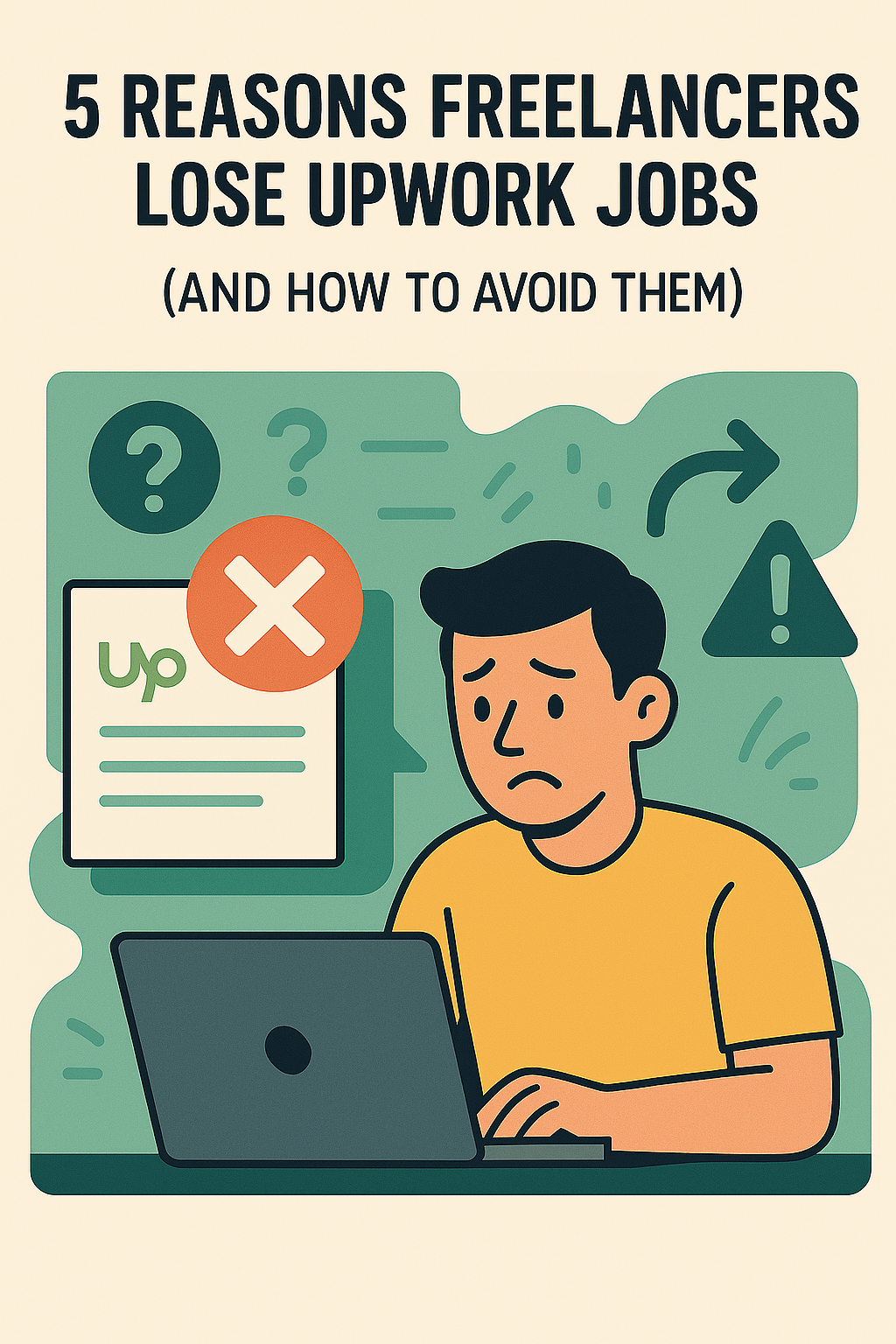
5 Reasons Freelancers Lose Upwork Jobs (And How to Avoid Them)
Table of Contents
You’ve probably been there: you see the perfect gig pop up on Upwork, spend time crafting a proposal, hit send, and then hear nothing but crickets. It’s frustrating, especially when you know you’re qualified.
But here’s the thing: losing jobs on Upwork usually comes down to a few common slip-ups. The good news? They’re totally fixable once you know what they are.
Below are the top five reasons freelancers miss out on jobs, and simple ways to avoid them.
Summary (for busy freelancers):
- You lose jobs when you reply too slowly, send generic proposals, or skim job details.
- Ignoring budgets and competition makes clients doubt you’re a good fit.
- Tools like JobSniper help you see better Upwork jobs faster so you can respond in time with tailored proposals.
JobSniper is an AI-powered Upwork alerts alternative that sends sub‑minute, filtered job notifications to serious freelancers.
1. Taking Too Long to Respond ⏰
Timing matters! Clients often notice the first few proposals they receive. The quicker you reply, the better your chances. Wait too long, and your proposal could end up buried beneath dozens of others.
Quick tip:
- Set aside dedicated blocks of time to check for new jobs.
- Turn on notifications so you never miss an opportunity.
- Use tools that automate job alerts to stay ahead. (See last section)
In short: The faster you see relevant Upwork jobs, the higher your chances of getting hired. Speed and relevance beat volume.
If your biggest issue is that Upwork instant alerts don’t show up or arrive too late, check out: Upwork Instant Alerts Not Working? 9 Fixes + The Faster Alternative.
2. Sending Generic Proposals 📝
Ever copy-paste a proposal and tweak it slightly? Clients can spot generic proposals from a mile away. It makes them feel you haven’t truly read their post or care about their needs.
Quick tip:
- Customize every proposal.
- Address the client’s specific needs and pain points.
- Personalization makes a huge difference!
In short: Generic proposals blend into the crowd. Specific, tailored messages that reference the job description stand out.
3. Skimming Job Descriptions 👀
It’s easy to skim job descriptions, especially when you’re in a hurry. But missing key details, like a specific question or hidden instruction, can mean your proposal gets tossed immediately.
Quick tip:
- Slow down and read carefully.
- Take notes on special requirements.
- Make sure your proposal reflects these details.
In short: Clients often include small tests or key details in the description. Skimming them is an easy way to get disqualified.
4. Ignoring Budget and Preferences 💸
Sometimes freelancers apply to jobs without paying attention to client budgets or preferences. Applying for gigs that don’t match these criteria sends a message that you aren’t paying attention, or that you’re desperate.
Quick tip:
- Respect the client’s budget and preferences.
- Only apply if you fit the requirements.
In short: When you ignore budgets and preferences, you signal that you’re not paying attention—or that you’re not the right fit.
5. Underestimating Competition 🏁
Upwork is competitive. You might think a job is still fresh, only to realize twenty others have beaten you to it within minutes. Underestimating your competition is a quick way to get left behind.
Quick tip:
- Treat every job as if you’re racing against the clock.
- Be quick but thorough with your applications.
In short: On Upwork, competition moves in minutes, not days. You need both speed and quality to consistently win jobs.
If you want a feel for how competitive Upwork can be, this analysis where a freelancer scraped 1,500 Upwork jobs shows just how quickly in-demand roles attract applicants.
Wish there was a way to make all of this easier?
How to Solve These Problems Easily: Meet JobSniper 🎯
Let’s be real, freelancing is already a lot. Between delivering great work, managing clients, and trying to grow your business, who has time to scroll Upwork all day?
That’s where JobSniper comes in.
What is JobSniper?
JobSniper is an AI-powered Upwork job alert tool that watches the platform for you and sends you sub‑minute notifications for jobs that actually match your skills, budget, and preferences.
JobSniper is an AI-powered freelance job finder that watches Upwork around the clock, so you don’t have to. It sends you instant alerts the moment a job matches your skills, budget, and preferences, no scrolling, no refreshing, no wasted time.
Some freelancers even build their own job alert systems, like this AI-powered Upwork job scorer and notification setup, which shows how important timing and matching have become.
So instead of spending hours hunting for gigs, you can:
- Spend more time working on projects that pay
- Focus on delivering your best work
- Avoid missing those perfect jobs that pop up when you’re not looking
With JobSniper, you’re not just faster, you’re smarter. You’ll stop losing time and start landing more of the gigs that matter most.
Frequently asked questions about JobSniper
Does JobSniper replace Upwork’s own alerts?
JobSniper does not replace your Upwork account or profile, but it does replace Upwork’s slow, generic alert system. It provides faster notifications and better filters, and many freelancers run JobSniper alongside Upwork’s alerts for maximum coverage.
Who is JobSniper best for?
JobSniper is best for serious Upwork freelancers who rely on the platform for consistent income. It is especially useful for those who want to see high‑quality jobs first, not hours later.
How is JobSniper different from manual searching?
JobSniper is different from manual searching because it automates the discovery part for you. Manual searching can work, but it’s time‑consuming and easy to miss jobs that appear while you’re working. JobSniper keeps watching Upwork in the background so you can focus on client work and still react quickly.
If you want to go deeper into tools and strategies, also read: Best Upwork Alerts Alternative in 2025.